Here’s something the solar industry doesn’t put in the brochure: roughly 30% of residential solar systems are quietly underperforming — and most owners have no idea. According to data from kWh Analytics (reported by pv-magazine.com), nearly a third of systems show production problems serious enough to cost real money. The worst part isn’t the lost savings. It’s that almost nobody catches it, because solar failures rarely look like a failure. The lights still come on. Nothing sparks. The panels still sit there on the roof, looking exactly like they did the day they were installed.
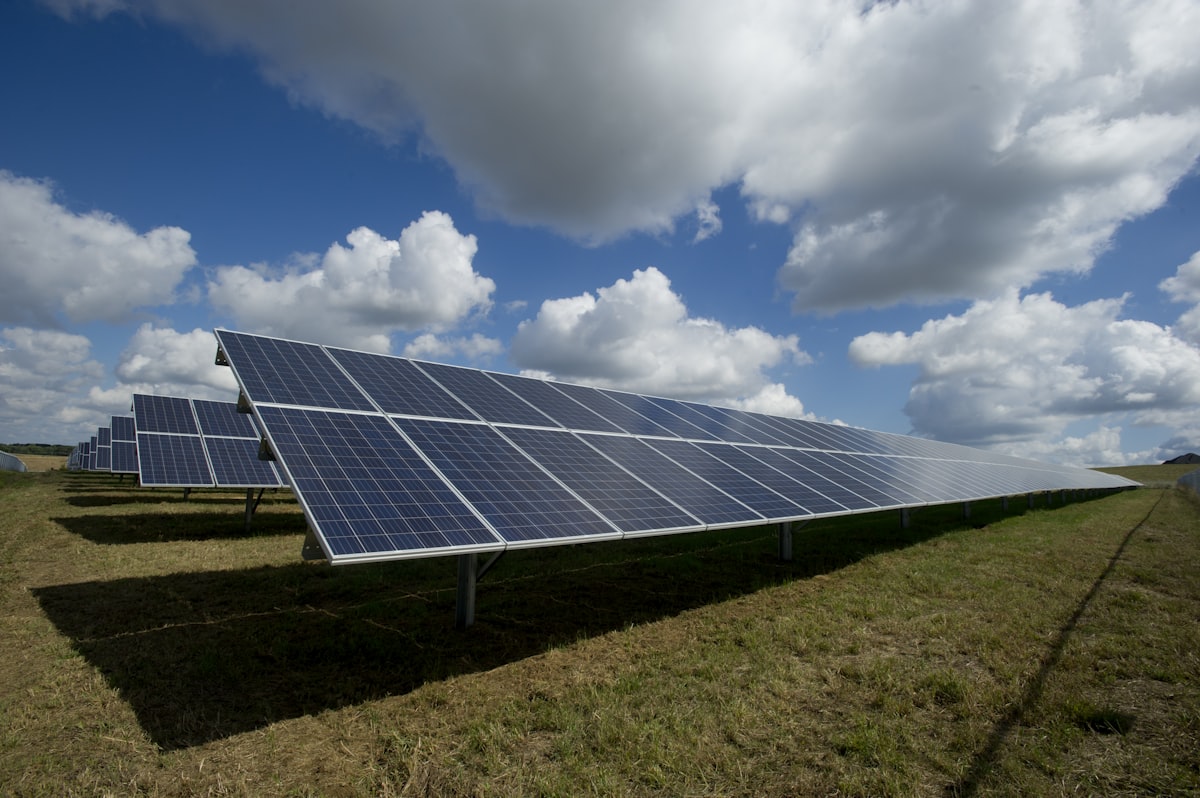
That’s the trap. A solar system can lose 10%, 20%, even 40% of its output and give you no obvious sign at all. There’s no warning light on your toaster, no engine that won’t start. The only evidence is a number in an app you were probably never shown how to read — and a slightly higher electric bill that’s easy to blame on a hot summer or a new appliance.
If you came here because something feels off — your bill didn’t drop the way the salesperson promised, your monitoring app shows numbers that mean nothing to you, or you just realized you’ve never actually checked — you’re in exactly the right place. The good news: you don’t need to be an electrician, and you don’t need to call anyone yet. Below are 7 checks you can do yourself, most of them in a few minutes, with no tools. By the end, you’ll know whether your system is fine, or whether it’s time to make a phone call.
A quick promise before we start: if your panels turn out to be working perfectly, this article will tell you that, too. The goal here isn’t to scare you into spending money. It’s to give you a trustworthy second opinion.
Check #1: Compare Your App’s Output to Your System’s Rated Capacity
This is the single most useful check, and it’s just a little arithmetic. The idea is simple: figure out roughly how much electricity your system should make on a good day, then compare that to what it’s actually making.
First, you need your system size — a number in kilowatts (kW), like “6 kW” or “8.2 kW.” You can find it in a few places:
- Your installer paperwork or contract — look for “system size,” “DC rating,” or “kW.”
- Your permit or interconnection agreement — the city or utility document you signed.
- The monitoring app itself — many apps list it under “system details” or “site info.”
Once you have that number, here’s the back-of-the-napkin formula:
System size (kW) × peak sun hours × 0.8 = expected kWh per day
“Peak sun hours” is just a standardized way of describing how much usable sunshine your location gets per day. The 0.8 is an efficiency factor that accounts for real-world losses — heat, wiring, inverter conversion, a little dust. It’s not perfect, but it gets you in the right ballpark.
Here are peak sun hour figures for a few cities to anchor yourself:
- Phoenix, AZ — about 5.5
- Los Angeles, CA — about 5.0
- Miami, FL — about 4.5
- Dallas, TX — about 4.5
- New York, NY — about 4.0
- Seattle, WA — about 3.5
Worked example — a 6 kW system:
In Phoenix (5.5 sun hours): 6 × 5.5 × 0.8 = about 26.4 kWh per day.
That same 6 kW system in Seattle (3.5 sun hours): 6 × 3.5 × 0.8 = about 16.8 kWh per day.
Notice how different those are — identical hardware, very different output, purely because of location and sunshine. That’s why comparing yourself to a neighbor in another state is meaningless. Compare yourself to your own expected number.
Now open your app and look at your daily production on a recent clear, sunny day. If your Phoenix system is making 24–27 kWh on a cloudless June day, you’re in great shape. If it’s making 15 kWh on a clear day when it should be making 26, something is wrong — and that’s worth investigating. (Cloudy days will naturally be lower; that’s normal. You’re looking for the gap on the good days.)
If your numbers come up short, our deep dive on the most common culprits will help: [LINK: Why Are My Solar Panels Producing Less Than Expected?]
Emporia Vue 3 home energy monitor — If you want a completely independent read on what your system is producing — separate from any app your installer controls — the Emporia Vue 3 home energy monitor gives you exactly that.
Check #2: Check Your Electric Bill — Are You Actually Saving Money?
Your monitoring app tells you what the panels produced. Your electric bill tells you what that production was actually worth to you. They’re two different questions, and the bill is where the money lives.
Pull up a recent bill and look for a few things:
- Lower usage charges. The number of kWh you bought from the grid should be noticeably lower than it was before you went solar (compare to a bill from the same month a year or two before installation, since usage swings by season).
- Net metering credits. When your panels make more than you’re using, the excess flows back to the grid and you earn credits. These usually show up as a line item or a running balance.
- A “true-up” bill. Many solar customers get a small monthly bill plus one annual reconciliation — the “true-up” — that settles the whole year. If you’re bracing for a surprise once a year, that’s by design.
Here’s a critical wrinkle if you’re in California: the rules changed dramatically with NEM 3.0 for systems that applied for interconnection after April 2023. Under the old rules, exported energy was credited at roughly $0.30 per kWh — close to the retail rate. Under NEM 3.0, that export rate dropped to around $0.08 per kWh. So a post-April-2023 California system can be producing perfectly and still save you far less than you expected, simply because exporting to the grid is now worth a fraction of what it used to be. If your savings feel disappointing and you’re a newer California install, your panels may be completely fine — the math changed, not your hardware. That distinction matters before you go blaming the equipment.
If your bill genuinely isn’t budging and you’re not in a NEM 3.0 situation, that’s a signal to keep going through these checks.
Check #3: Look for Consistent Daily Production Patterns
A healthy solar system draws a very particular shape over the course of a day. If you pull up the daily production graph in your app, you should see a smooth bell curve: production starts low in the morning as the sun comes up, rises to a peak around midday, then tapers off through the afternoon and evening. It looks like a gentle hill.
That shape is the signature of a system doing its job. What you’re looking for are departures from it:
- Flat lines in the middle of the day (when there should be a peak) — a sign something is capping or blocking output.
- Sudden cliffs or drops mid-day on a clear day — often shading, a tripped component, or a panel/inverter problem.
- Zero-output days scattered in among normal days — a strong red flag that a component went offline.
In the Enphase app, tap into a single day’s view to see the production curve broken down — Enphase even shows you panel-by-panel data, so you can spot one underperforming panel dragging the rest. In the SolarEdge app (mySolarEdge), open the dashboard and select a specific day to see the same kind of curve, with the option to view by inverter or optimizer.
Don’t worry about a few jagged dips on a partly cloudy day — clouds passing overhead create normal little notches in the curve. You’re hunting for the unexplained stuff: the flat tops, the cliffs, the dead days on otherwise sunny dates.
If your app feels like a foreign language, you’re not imagining it — these interfaces are genuinely confusing, and that’s on the installer, not you. We wrote a plain-English walkthrough here: [LINK: How to Read Your Enphase/SolarEdge App].
Check #4: Check for “Offline” or “Error” Alerts in Your Monitoring App
This one takes thirty seconds and catches an astonishing number of problems. Open your app and look for any alerts, flags, warnings, or red icons. A lot of owners see these, assume they’re cosmetic nags — like a “check engine” light they’ve learned to ignore — and scroll right past. Don’t.
Here’s what the common ones actually mean:
- “Not communicating” / “Gateway offline” — your system has lost its connection back to the monitoring service. Sometimes this is just your home internet or a tripped router, and the panels are still producing fine. But it also means you’ve been flying blind — you can’t trust your data until communication is restored.
- “Producing below expected” — exactly what it sounds like. The system is making less than the software predicts it should. This is the alert most worth taking seriously.
- “Microinverter offline” / “Optimizer not reporting” — one or more of the small devices attached to individual panels has stopped reporting. That can mean one panel’s worth of production has simply vanished, and if several are offline, the losses add up fast.
None of these are decorative. They’re your system trying to tell you something. If you see one and don’t understand it, write down the exact wording — it’ll be useful if you end up calling a professional.
📦 Recommended Tool
Emporia Vue 3 — Independent Solar Monitor
See exactly what your system produces in real time — completely separate from your installer’s app. Plugs into your electrical panel in minutes.
Check #5: Compare Year-Over-Year Production
Solar panels do slowly lose output as they age — but slowly is the key word. Industry data puts the typical (median) degradation at about 1.09% per year (kWh Analytics), and most manufacturer warranties guarantee no worse than roughly 0.8% per year. So a panel that’s a few years old should be making almost as much as it did when it was new — we’re talking single-digit percentage losses over many years.
That’s why a sharp drop is such a useful warning sign. If your production fell, say, 10% from year 1 to year 3, that is not normal aging. Normal aging over two years would be more like 2%. A 10% drop points to a real problem — a failing component, new shading, heavy soiling, or a panel that’s quietly died.
Most monitoring apps make this easy to see. Look for a “compare,” “history,” or “lifetime” view, then switch the time range to yearly and line up the same months across different years (comparing June to June is fair; comparing this June to last December is not). In Enphase, the reports/energy history section lets you stack years against each other. In SolarEdge, the dashboard’s comparison view does the same.
A little year-to-year wobble from weather is expected — a cloudy spring will dent one year’s numbers. But a steady, unmistakable decline beyond a percent or so a year deserves attention. For a fuller picture of where the line sits between “normal” and “problem,” see [LINK: Normal Solar Panel Degradation vs. a Real Problem].
Emporia Vue 3 home energy monitor — Tracking your own year-over-year numbers with an independent monitor like the Emporia Vue 3 means you’re never relying solely on the installer’s software to tell you whether your system is slipping.
Check #6: Check for Shading Changes
Solar panels are surprisingly sensitive to shade, and shade is one of the most common reasons a once-healthy system starts slipping — often 15% to 30% of production lost. The sneaky part is that shade creeps in gradually. The tree that was a sapling when your panels went in is now tall enough to throw an afternoon shadow across the roof. A neighbor built a second story. Someone added a chimney cap, a satellite dish, or an AC unit up top.
This check is refreshingly simple: go outside and look. Walk around your house in the morning and again in the afternoon and watch for shadows falling across the panels. Note anything new since installation — especially trees that have grown and any structures that went up nearby.
There’s an important technical wrinkle that changes how much shade hurts, and it depends on what kind of system you have:
- String inverters: panels are wired together in a “string,” and the string runs at the level of its weakest panel. So shade on even one panel can drag down the entire string — a little shadow, a big loss.
- Microinverters or optimizers (Enphase microinverters, SolarEdge optimizers): each panel operates more independently. Shade on one panel mostly affects just that panel, while the rest keep producing normally.
This is why two neighbors with the same shade can see very different losses. If you’ve got a string system and a new tree, even modest shading can explain a real dent in your numbers.
One close cousin of shading worth mentioning: soiling. In dry, dusty climates, accumulated dust and debris on the glass can cut output 15% to 25%. If you live somewhere arid and can’t remember the last time rain rinsed your panels, that haze of dust could be quietly costing you. (A gentle rinse from the ground or a professional cleaning can help — never climb onto a roof to do it yourself.)
Check #7: Verify Your Inverter’s Status Light
Your inverter is the workhorse of the whole system — it converts the DC power your panels make into the AC power your house uses. If it’s down, you’re producing nothing, no matter how sunny it is. And here’s the convenient part: most string inverters have a simple physical status light you can read at a glance.
The inverter is usually mounted in the garage, a utility room, the basement, or on an exterior wall near your electrical equipment. It’s a box, often gray or white, roughly the size of a small suitcase. Find it and look at the indicator light:
- Green (solid): everything’s working. This is what you want to see.
- Red or amber: a fault or warning. The system is flagging a problem.
- No light at all: the inverter may be off or have lost power — worth noting.
If the light isn’t green, look for a small display or model number on the unit and look up the error code in your manual or on the manufacturer’s website. Write down both the color and any code shown — it’s exactly what a technician will ask for.
One important note for owners with microinverters (the Enphase-style setup, with a small unit under each panel): you typically won’t have a single status light to check, because the “inverting” happens up on the roof at each panel. For those systems, your monitoring app (Check #4) is your status light — that’s where offline microinverters show up.
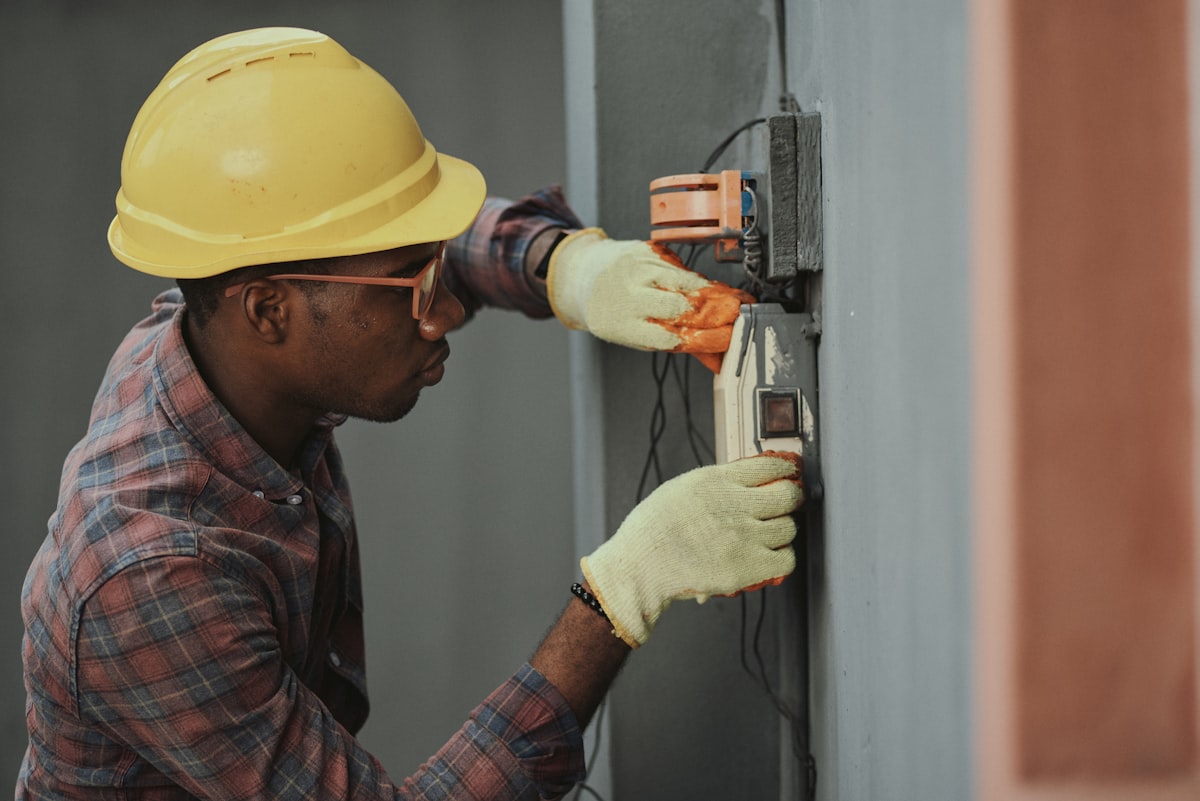
A hard line, for your safety: check the light, read the display, look up the code — that’s it. Never open the inverter, the electrical panel, or any wiring, and never touch anything past your meter. There are dangerous voltages inside this equipment. If the light is red and you don’t know why, that’s the moment to call a professional, not to investigate further.
📦 Recommended Tool
Solar Panel Cleaning Kit
Dirty panels lose 15–25% output in dry climates. A proper cleaning kit with a telescoping brush makes it safe and easy from the ground.
When to Call a Professional
You’ve done the checks. So how do you know when it’s time to stop DIY-ing and bring in an expert? Call a licensed solar technician if any of these are true:
- Your inverter light is red or amber, or showing a fault code you can’t clear with a simple internet/router reset.
- Your production is consistently 20% or more below your expected daily number on clear days, and you’ve ruled out new shading or heavy soiling.
- You see year-over-year drops well beyond ~1% a year that weather doesn’t explain.
- You have panels or microinverters showing as offline in your app for more than a day or two.
- Anything involving wiring, the electrical panel, the meter, or rooftop access. This is non-negotiable — have a licensed solar technician inspect it. Do not attempt electrical work or climb onto your roof yourself.
A good technician can run diagnostics you can’t, safely inspect connections, and pinpoint whether you’re looking at a dead panel, a failing inverter, or a wiring issue. Speaking of inverters: it’s worth knowing the lifespans, so a failure doesn’t blindside you. String inverters typically last 10–15 years, while microinverters are rated for 20–25 years. If your string inverter is twelve years old and acting up, that’s not bad luck — that’s a part reaching the end of its life.
When you do reach out, you don’t have to go back to your original installer (especially if they’re hard to reach or out of business). get a free inspection quote offers repair and inspection referrals that can connect you with qualified technicians for a professional diagnosis.
The Bottom Line
If you ran through these seven checks and your numbers line up, your bill makes sense, your app is alert-free, and your inverter light is green — congratulations, your system is doing its job. You can stop worrying. That peace of mind is worth the half hour.
And if something didn’t add up? Now you know what, you know roughly where, and you know whether it’s a quick fix or a call to a pro. That’s a far better place to be than the uneasy “I think something’s wrong but I have no idea” feeling that probably brought you here. You’re no longer flying blind — and that’s the whole point.
Run All 7 Checks in One Sitting
Want to run through all 7 checks in one sitting? Download our free Solar System Health Check — a printable checklist + spreadsheet that walks you through each check and tells you whether your numbers are in the normal range. [Download Free]
Last reviewed: June 2026 | solarschoice.com is an independent site — we are not affiliated with any solar installer.
📦 Recommended Tool
Jackery Solar Generator — Backup Power
If your grid goes down, a portable solar generator keeps essentials running. Great complement to a rooftop system.